Logo - Full (Color)

Website Memberships

Membership software turns your website into a custom experience where different users get content designed for their needs.

  • Control exactly who accesses your premium content and resources

  • Personalize profile pages at an individual level using CRM data

  • Increase repeat purchases through members-only deals and content

Create personalized experiences with membership websites.

Prospects aren't the only visitors to your website. Customers, partners, resellers, and other stakeholders also visit. They should all find your content valuable. 

With HubSpot’s membership management software, you can create special content for different groups of people and control who sees it. Offer personalized content and updates, turning your website into a valuable resource for lead generation, customer engagement, and fostering loyalty. 


  1. Effortlessly create personalized membership pages.

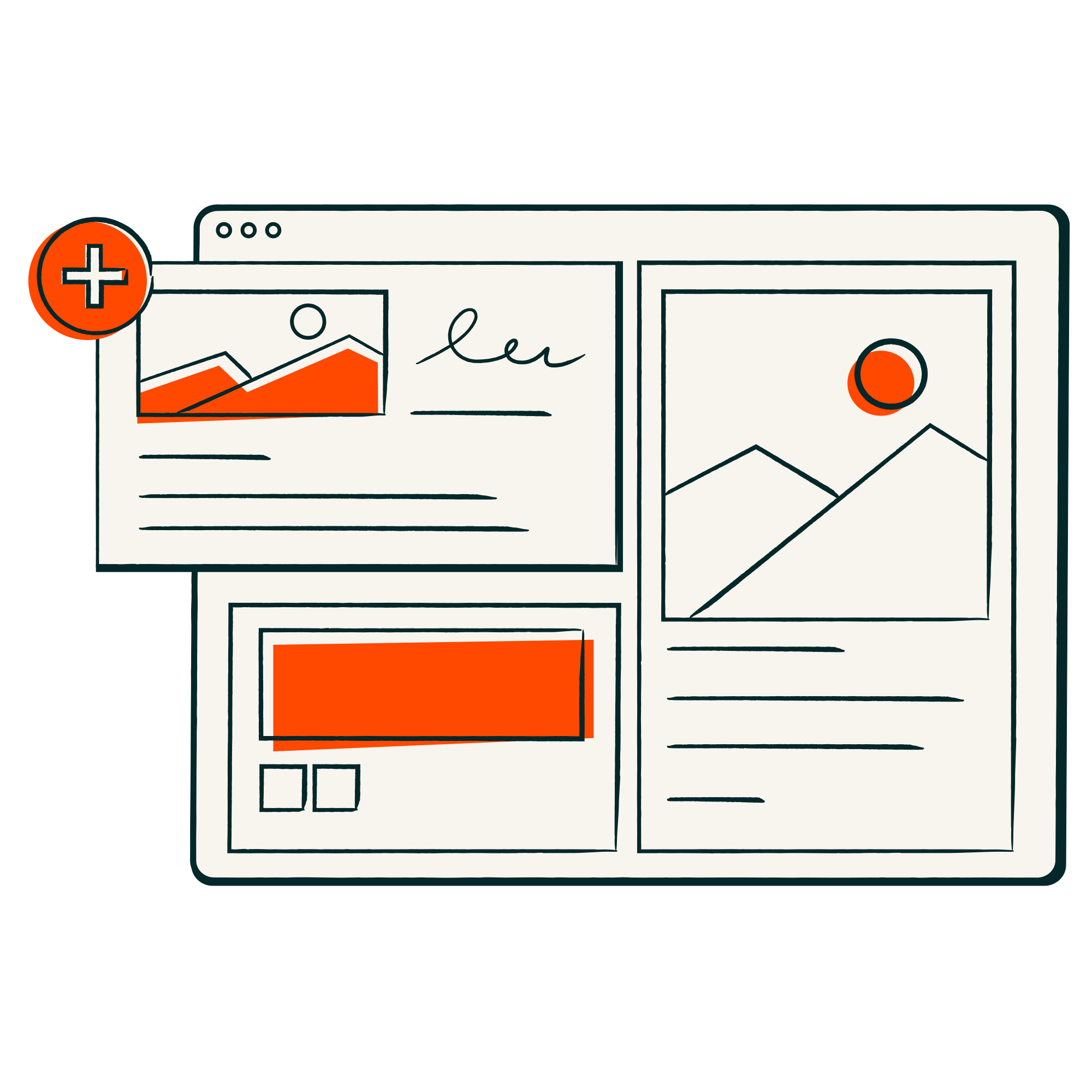
    Tailor your content to the specific requirements of each user, whether they are new visitors, interested prospects, or loyal customers. Easily build unique membership pages to offer personalized information such as recent purchases, upcoming appointments, and exclusive offers by using HubSpot's Smart CRM data to enrich their experience.
  2. Easily customize website access levels.

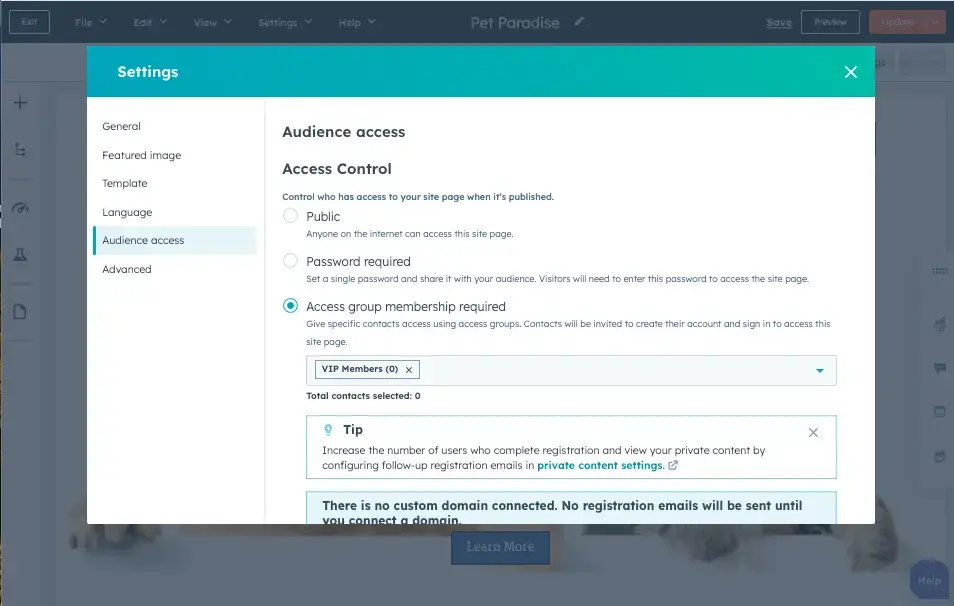
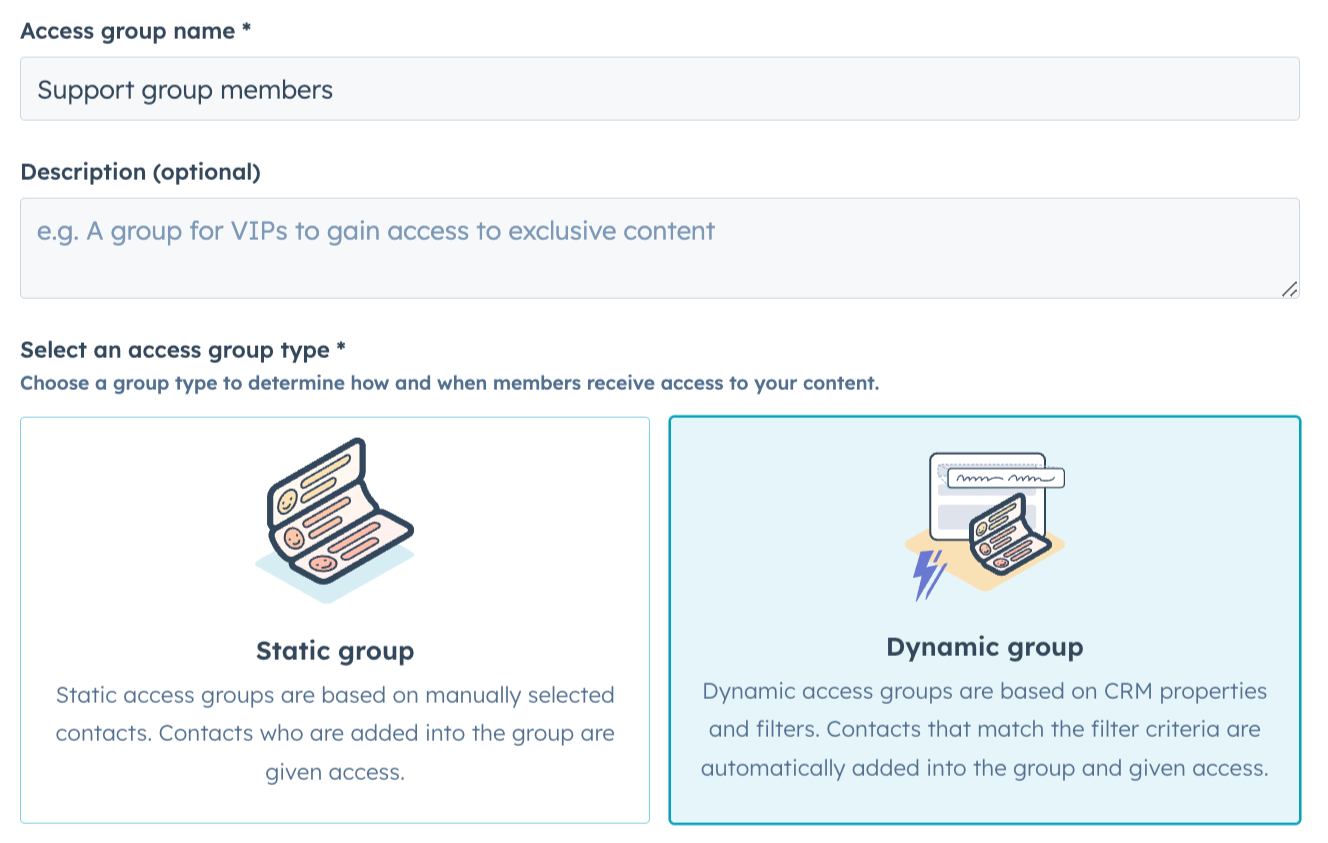
    HubSpot’s website membership management tools help you create different membership levels in minutes. You can control who has access to your content and personalize each section. Create segmented lists that specify exactly where each user can go and exclusive content for specific users.
  3. Use membership websites to drive repeat business.

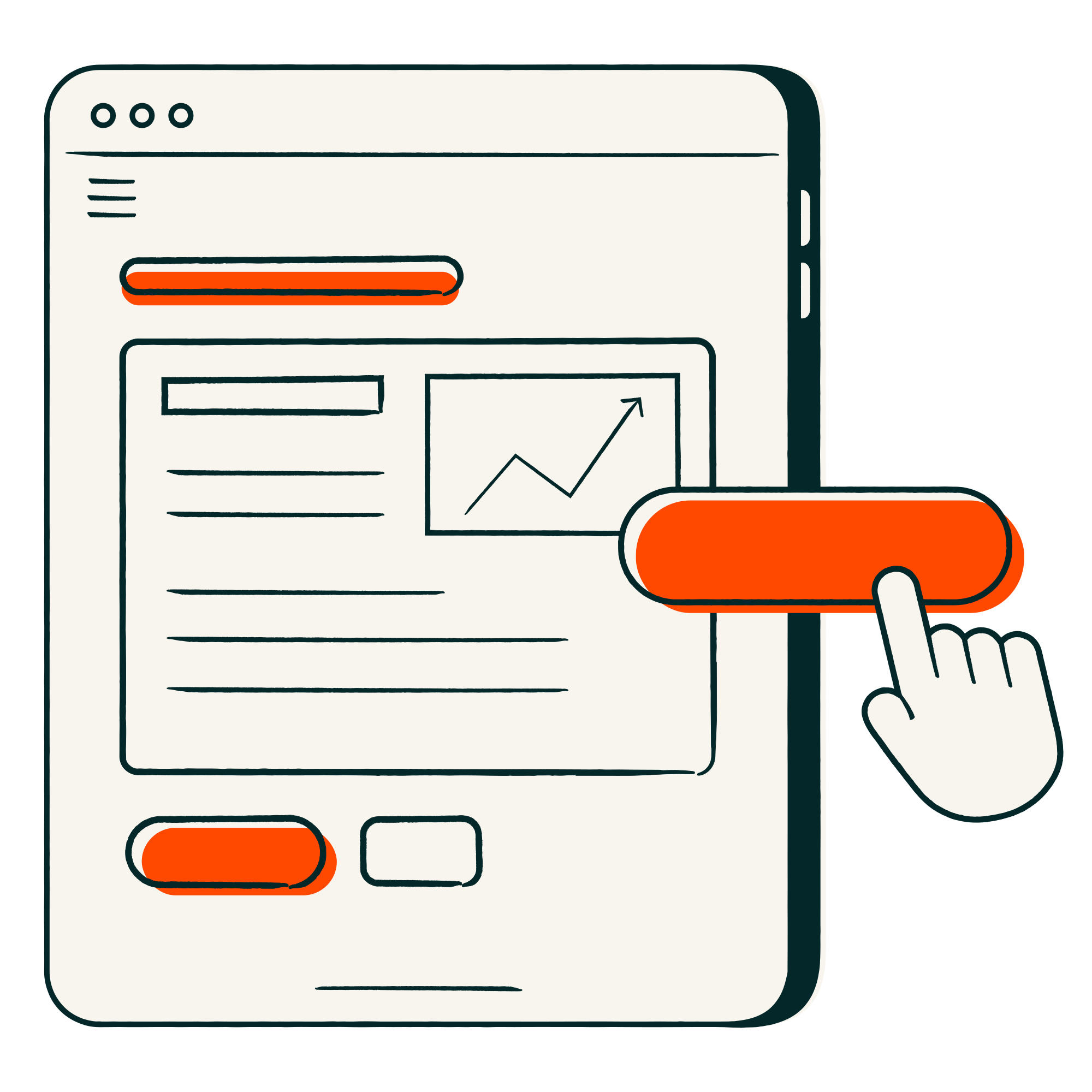
    Unlock new business opportunities by offering exclusive content or promotions to your top customers and managing access effortlessly with HubSpot lists. Strategically showcase targeted promotions to specific customer segments using memberships, enhancing the success of your campaigns and engaging customers more effectively.

Have questions? Give us a call and we'll walk you through it.

+1 888-482-7768

Frequently Asked Questions

Find quick answers to common questions about HubSpot's membership software.

HubSpot's tools enable businesses to create segmented lists to specify user access levels and offer exclusive content tailored to specific user segments. Additionally, you can use HubSpot’s Smart CRM data to create ultra-personalized profile pages based on each contact's information.

HubSpot's membership management software helps businesses create personalized user experiences that drive results:

  • Reduce support costs: Create self-service portals where customers find answers independently
  • Increase conversions: Provide exclusive content that demonstrates value to visitors
  • Boost customer retention: Deliver targeted content and offers that encourage renewals
  • Streamline partner management: Give partners secure access to training materials and resources

HubSpot's membership website software allows businesses to create password-protected areas of their website where specific users can access exclusive content. Unlike traditional websites where all content is public, membership software lets you control who sees what, creating personalized experiences for customers, partners, and prospects without needing plugins or coding.

With HubSpot, you can require member registration to access private content by setting up membership rules for specific pages or sections. Simply create your content, define who can access it using your contact lists, and HubSpot automatically handles the login requirements and content restrictions.

Password-protected pages require one shared password for access, while membership sites use individual user accounts with personalized access levels. HubSpot's membership software creates true membership experiences where each user sees content tailored to their profile, purchase history, and relationship with your business—not just generic password-protected content.

HubSpot's membership management software is available with select Content Hub and Service Hub editions.