Watch video
With other tools, you'll be uploading and downloading CSV files all day long, just to keep everything up to date and making sense.
Never touch a CSV file again with HubSpot. Your leads are automatically submitted to your contacts database and are always up to date.
Most email tools have templates that don’t translate to your other marketing tools. Your email campaigns end up feeling completely different from your other marketing efforts.
All email templates are optimized for conversion and mobile distribution out of the box. Use template packs to ensure consistency across email, landing pages, and website pages.
Other email analytics are woefully siloed, disconnected with web analytics and the rest of your marketing analysis tools. Getting them to talk to each other takes moving mountains.
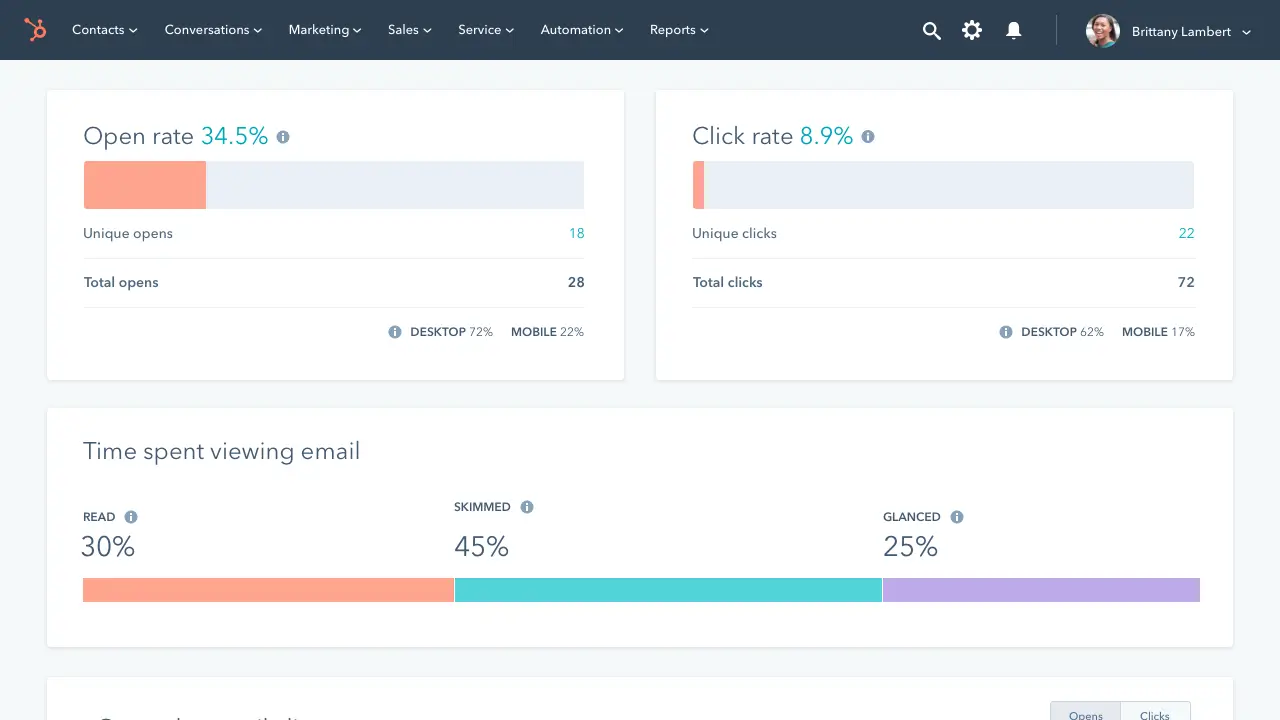
Email analytics that are integrated with the rest of your analysis tools. See who clicked what, what they did on your website, and what they did over time, all in one contact view.

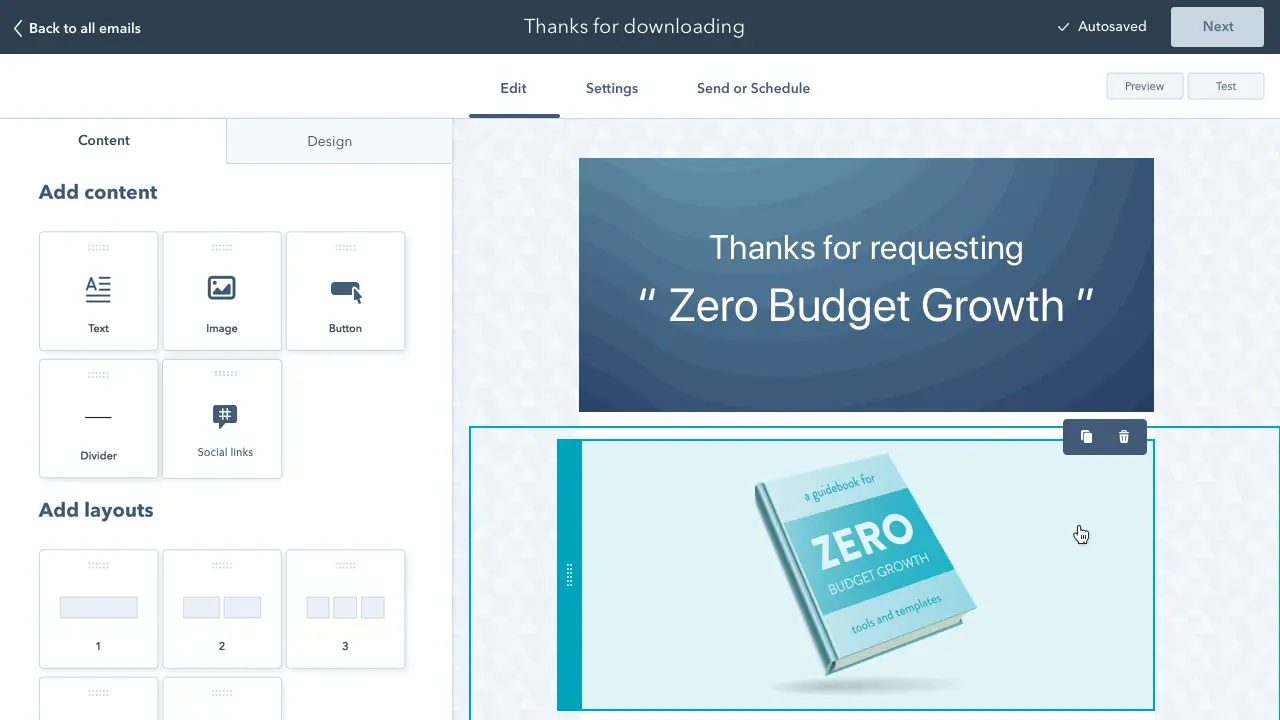
1. Select a template: Name your page and choose a template, either one of our powerful default templates or a premium template from the marketplace. Or, if you need something more custom, build your own.
2. Personalize your email: We recommend you personalize the subject line so recipients feel loved. Then, write your email and drop in a few personalization tokens. You can personalize nearly every part of your emails with HubSpot.
3. Choose a recipient list: Choose the list of recipients you wish to receive your email or create a new list if you so desire. You can even block people from getting a certain email. Send the email now or schedule it for later.

Gone are the days of “Hi, First Name.” HubSpot personalization tokens are easy and reliable.

Have the email come from you or automatically pull in the relationship manager for each recipient.

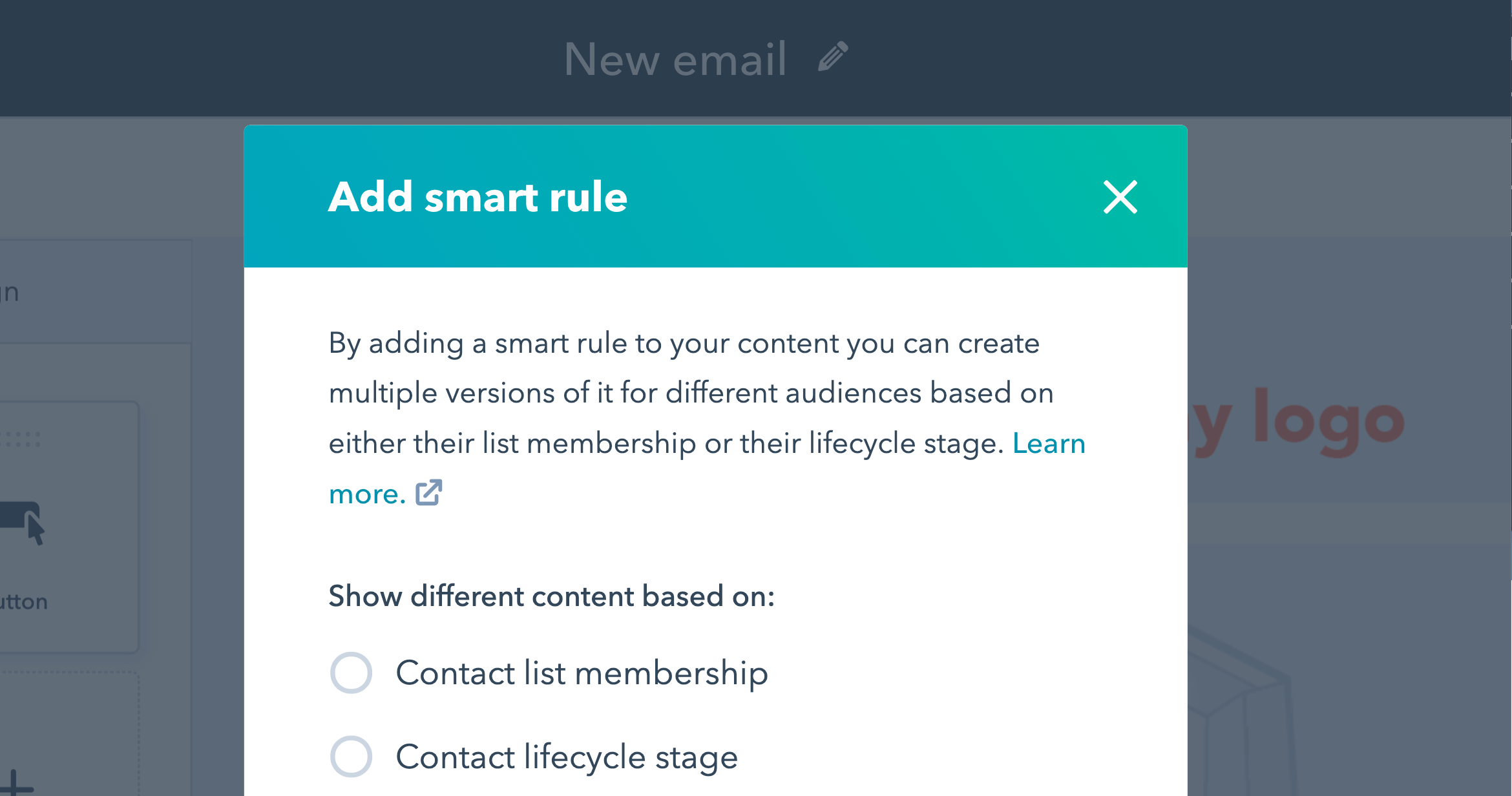
Use HubSpot’s Smart CTAs to customize the images or call-to-action buttons in your email.

Send different email recipients to different landing pages depending on where they are in the decision process.


All email templates are responsive for mobile devices and optimized for conversion out of the box.
Your leads are automatically submitted to your Contacts Database and always up to date.
A/B test your email at the enterprise level. Send out your test email to a fraction of your list, determine the winner, then send the winning version to the rest. Easy.
See your email develop as you type with instant web and mobile previews.
With HubSpot, creating a web-based version of your email and adding social icons for sharing are just a matter of single clicks.
Create a series of emails or behavior-triggered emails with HubSpot Workflows.
For too many marketers, email exists in a vacuum. With HubSpot’s integrated email analytics you can stop exporting data and wondering if your email campaigns are moving the needle at all.
Use Workflows to trigger behavior-driven emails and internal notifications. Make sure your leads are getting the right message at the right time in their purchase process.
By combining email and the HubSpot Contact Database, you can create highly targeted segments that grow over time.