Logo - Full (Color)

Marketing Studio

Beta

Grow and convert demand from a single conversation with marketing studio.

  • Get insights based on your brand, audience, content gaps, and past performance

  • Work with Breeze Assistant to create a campaign plan with ready-to-use assets.

  • Plan campaigns, create and edit assets, automate journeys, and report on it all in one workspace.

Marketing Studio insight

Turn insights into action.

Marketing studio surfaces opportunities before you go looking for them. When your AEO visibility drops or segment performance falls off, marketing studio flags it and recommends what to do next.

Breeze Assistant then takes that insight or goal and uses your brand, target audience, and past performance to propose a campaign plan with who to target, how to reach them, and what to say.

Approve the plan and Breeze Assistant builds the campaign on the studio canvas, all aligned to your business.


  1. Build and run automations, all on one campaign canvas.

    Breeze Assistant builds your campaign automations for you, without leaving the canvas where your assets live. Run multiple automations in one campaign, trigger off any asset interaction, A/B test branches, and personalize individual emails—all in the same place you’re visually managing and running the entire campaign.
  2. One workspace, many winning campaigns.

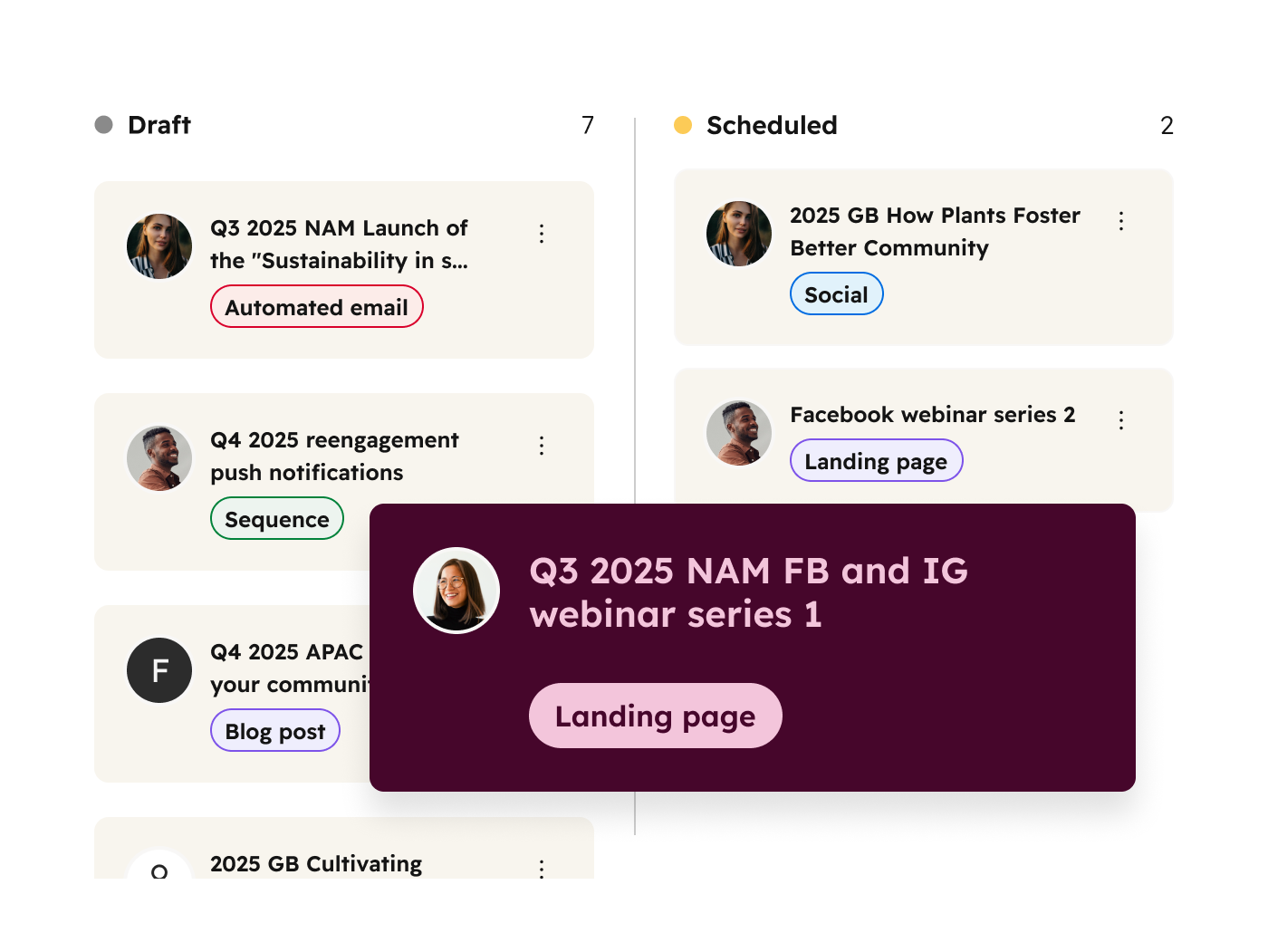
    One shared workspace transforms how your marketing team builds campaigns. Map out campaigns, leave comments, assign asset owners, and track progress all in one intuitive canvas that is shared with your team.

    Collaborate in real-time, leave feedback where it matters, and keep everyone aligned with a bird’s eye view of your campaign and all its assets. No more hunting through email chains or wondering who's doing what.
  3. From first touch to closed deal, see what your campaigns actually drove.

    Marketing studio connects your campaign activity to revenue, so you're not piecing together attribution from separate reports. See attributed revenue, ROI, deal influence, and contact lifecycle impact in one view, across a single campaign or your entire program. From brand visibility at the top of the funnel to deals closed at the bottom, you finally have the full picture.

Have questions? Give us a call and we'll walk you through it.

1 888 482 7768

I used to storyboard campaigns on my own. Now, I use HubSpot's marketing studio to visualize, stay creative, and build campaigns that feel connected.

Jay Baumgardner

Marketing Manager

Clearwing

Clearwing

Frequently Asked Questions

Marketing studio connects your business context and campaign performance in one AI workspace. Studio uses that data to surface insights about where you are losing reach or engagement, then helps you act on them directly.

In marketing studio, Breeze Assistant proposes a connected plan from a goal, a brief, or a live signal. Then, it helps generate the assets and personalize the outreach. You review, approve, and publish, without switching tools.

Marketing studio is designed for marketing teams of all sizes who want to streamline campaign creation and execution. It's particularly valuable for teams that collaborate across functions, manage multiple campaigns simultaneously, or need to move quickly from concept to launch.

Marketing studio makes sure your campaigns get sharper over time, because your business context and performance data feed every next move you make. Instead of piecing together performance signals from separate tools, marketing studio surfaces gaps, recommends how to close them, and gives you the AI workspace to act on it.

Marketing teams need Marketing Hub Pro or Enterprise to access marketing studio. Campaign agent, content agent, and nurture agent within Breeze Assistant are credit-consuming features.

Yes. Your campaigns don't live in a HubSpot bubble, and neither should your planning. Map out everything — social platforms, ad networks, whatever channels you use — all in one place. Add links to designs, documents, or other assets that live outside of HubSpot directly to canvas cards in marketing studio, keeping all your campaign URLs organized in one central view.

Marketing studio connects to Claude, Gemini, and ChatGPT through HubSpot's MCP server. Build campaigns, create assets, and pull live performance data directly in the AI interface you're already working in. Everything appears back in marketing studio automatically. Continue editing in your LLM of choice, or pick up where you left off in HubSpot. Either way, nothing gets lost.